Thousands of QR Codes, One Upload
A food manufacturer has 2,000 products. Each needs a GS1 Digital Link QR code with its own GTIN, batch number, and expiry date. Creating them one by one would take weeks. With bulk CSV creation, the entire catalog is done in minutes.
Upload a CSV file with your product data and ElkQR generates GS1 Digital Link QR codes for every row. Each GTIN is validated automatically — invalid check digits are flagged before any codes are generated.
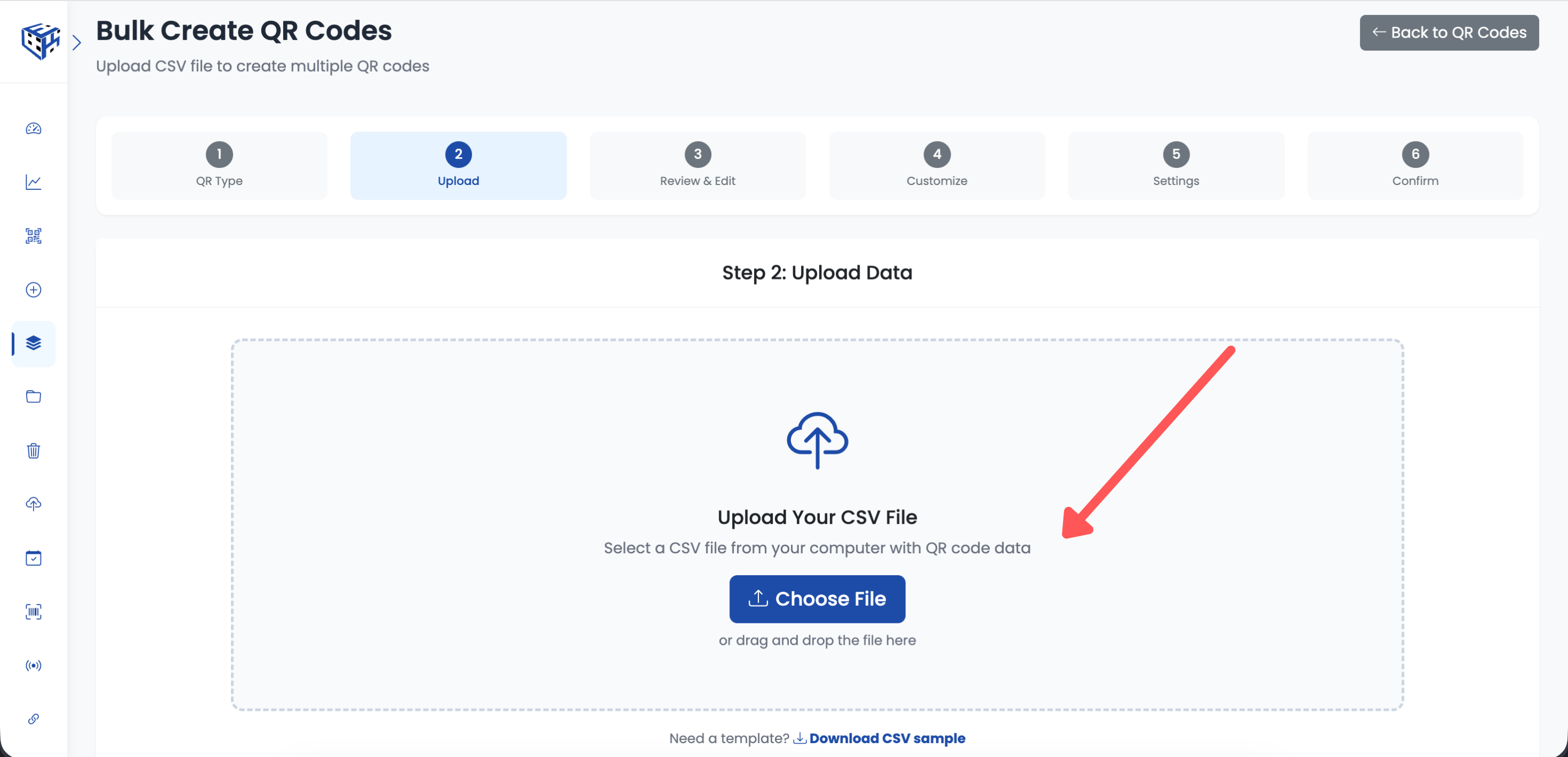
Upload your CSV file in the GS1 Center to generate QR codes in bulk
CSV File Format
Your CSV file should include columns for the identifier and any qualifiers or attributes you need. The first row must be column headers.
| Column | Required | Description |
|---|---|---|
| gtin | Yes | The GTIN-8, GTIN-12, GTIN-13, or GTIN-14 |
| batch | No | Batch or lot number |
| serial | No | Serial number for item-level tracking |
| expiry | No | Expiry date (YYMMDD format) |
| production_date | No | Production date (YYMMDD format) |
| net_weight | No | Net weight in kilograms |
| price | No | Suggested retail price |
Upload Limits
| Plan | Max Rows Per Upload |
|---|---|
| Standard ($49/mo) | 10,000 rows |
| Enterprise ($199/mo) | 20,000 rows |
After Upload
Once your CSV is processed, all QR codes appear in your GS1 Center Dashboard. From there you can download individual codes, generate print label PDFs, or export the entire batch. Each QR code can include the 1D barcode below it when enabled.
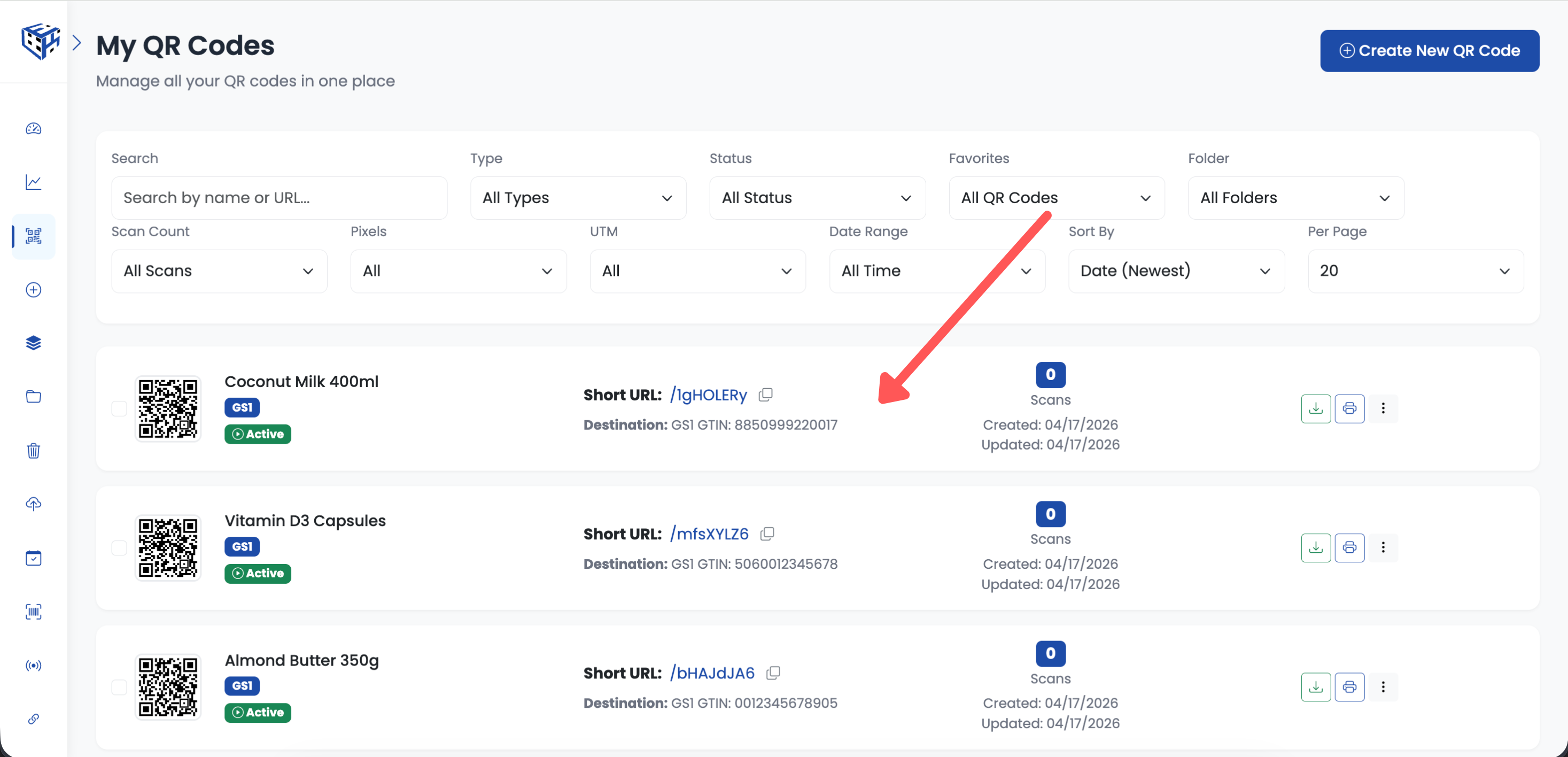
All generated QR codes appear in your GS1 Center Dashboard after CSV upload
Note
If any row has an invalid GTIN (wrong check digit or format), ElkQR flags it in the results. Valid rows are still processed — only invalid ones are skipped.
Related Articles
Still facing difficulties?
Click here to contact our support team for assistance